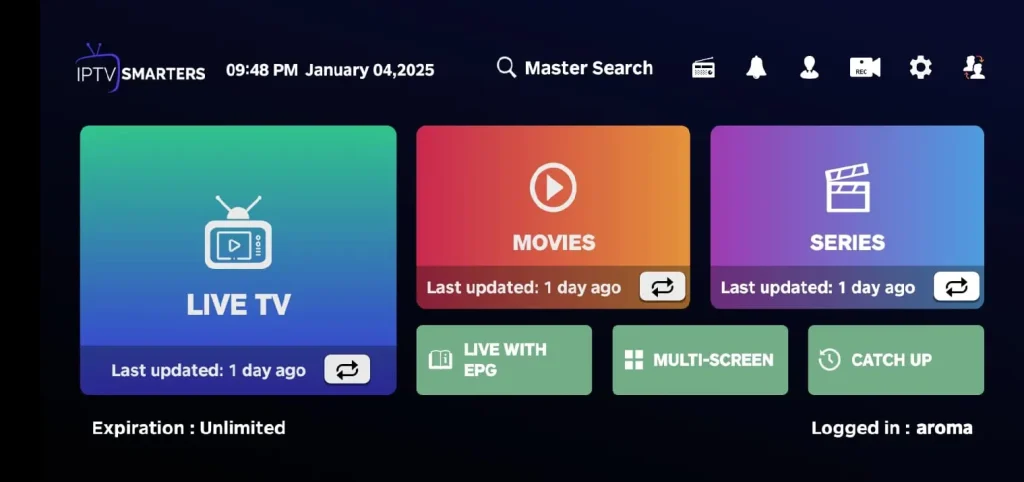
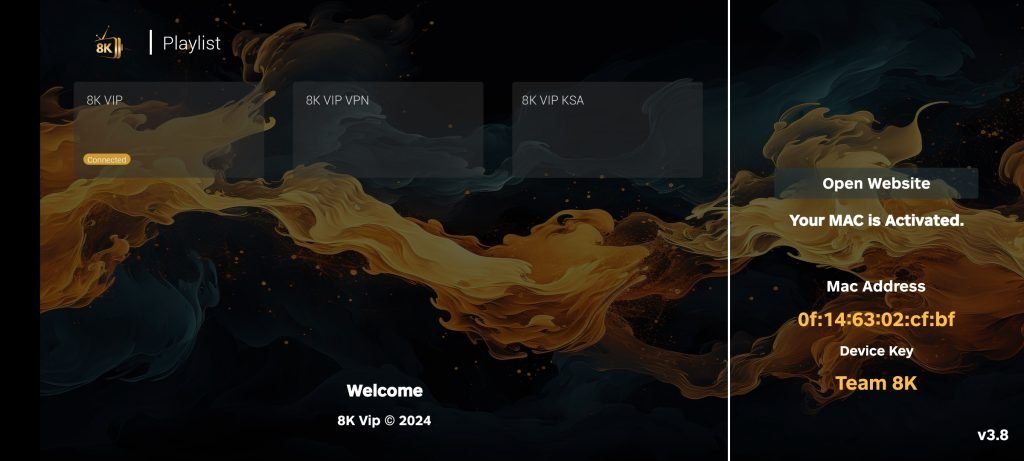
1. Open the App Store and search for IPTV Smarters Player or GSE Smart IPTV.
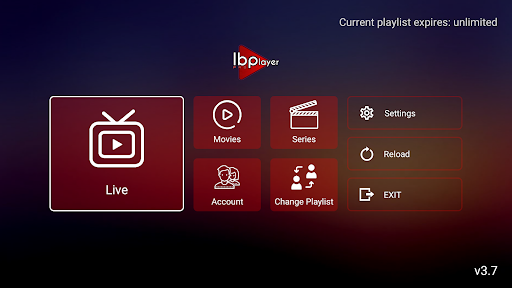
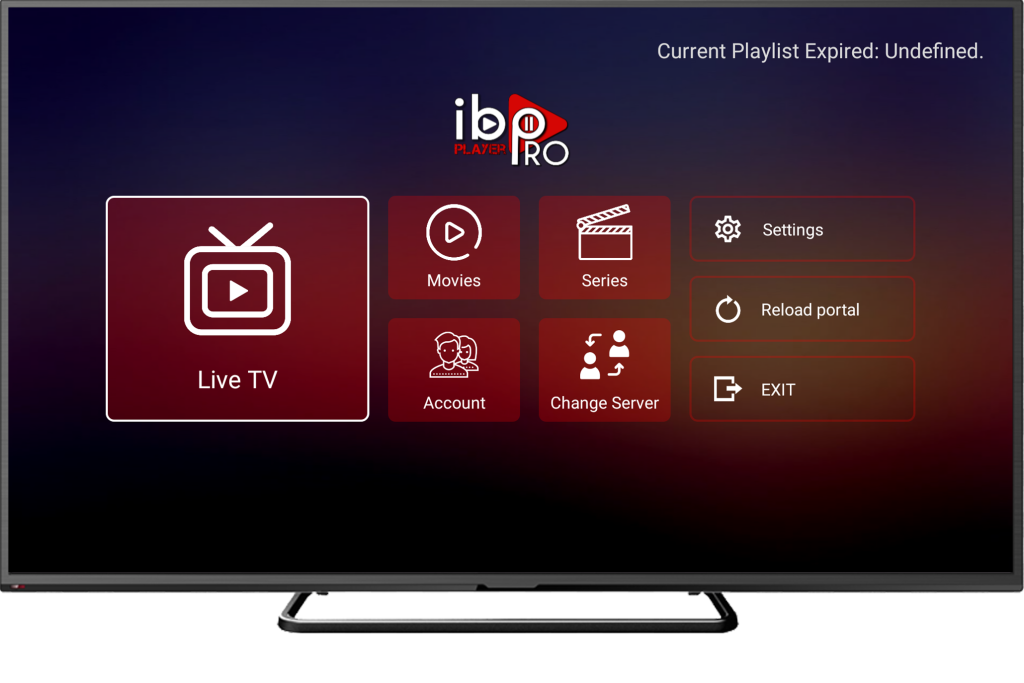
2. Install and open the app. Choose Login with Xtreme Codes or Playlist (M3U) + EPG (the exact wording differs by app).
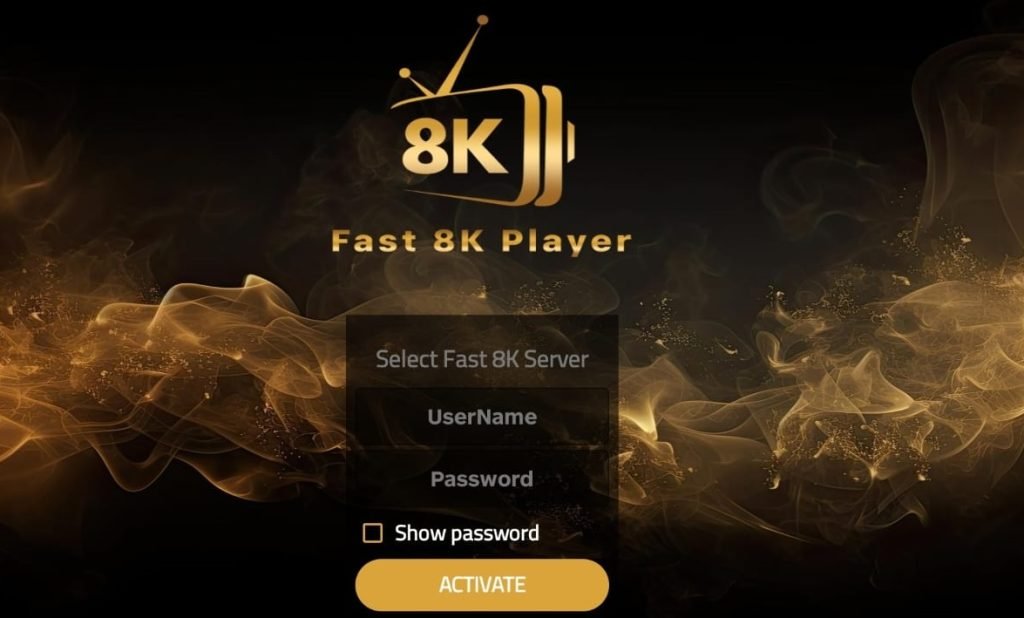
3. Enter the Strong 8K details we send you (portal URL / username / password) or paste the M3U link and optional EPG.
4. Allow notifications if you want programme reminders. You can also enable background audio under the app’s settings.
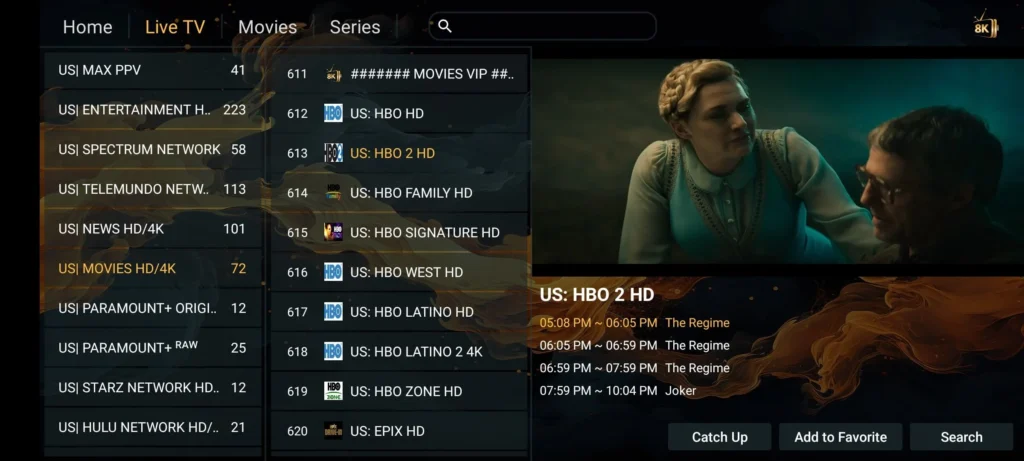
5. Add favourites for quick access, then enjoy your channels and VOD.