download resources

YourWebsiteName Download Your Favorite Android IPTV Player

Choose the interface you like. Install via the Downloader app using the marked code, or grab the direct APK. If you get stuck, ping us on WhatsApp — we’ll sort it together.

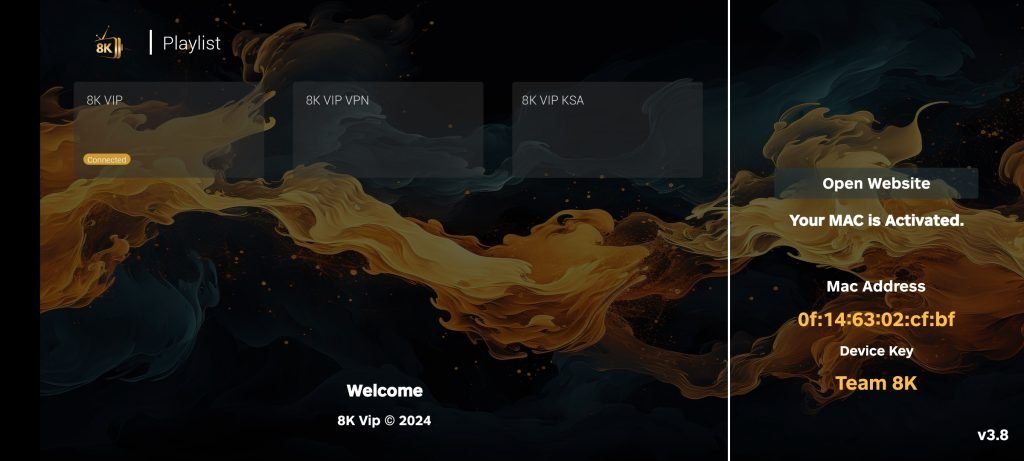
TiviMate 8K Pro

YourWebsiteName app with clean UI, fast zapping, and smooth TV playback.

Downloader :

000000

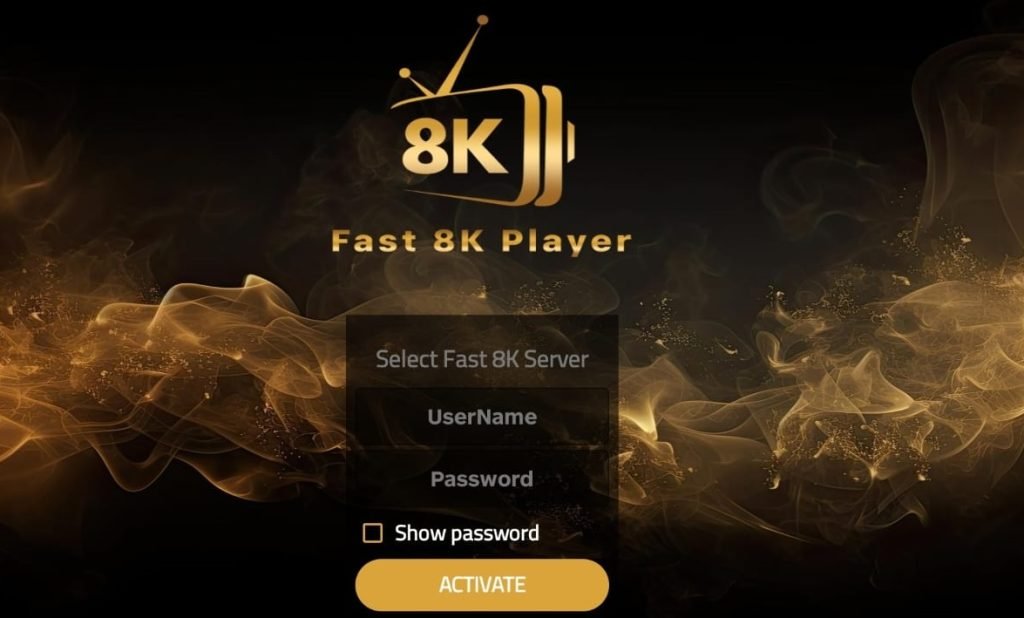
Fast 8K

YourWebsiteName player with EPG, catch-up, and an easy-to-use layout.

Downloader :

000000

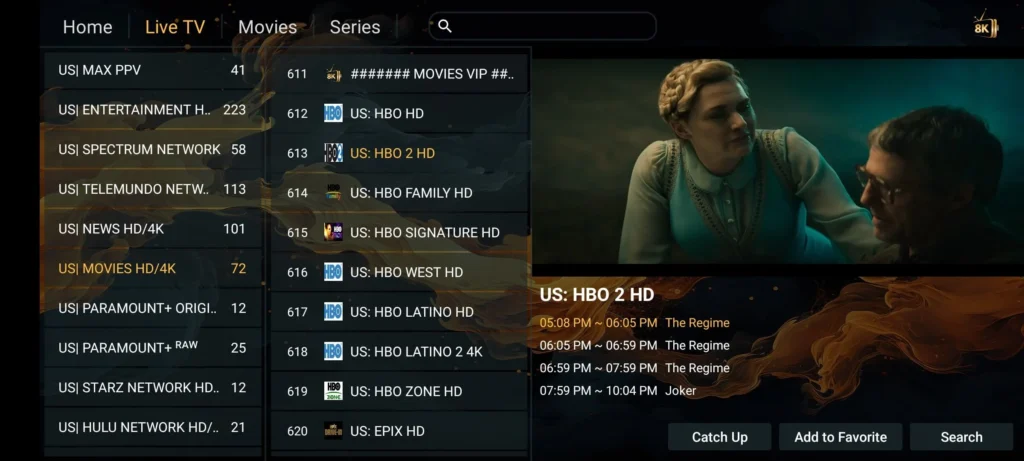
8K Player VIP

Advanced YourWebsiteName APK for playlists, channel groups, and slick EPG.

Downloader :

000000

Strong 4K

YourWebsiteName app with simple setup, stable playback, and quick start.

Downloader :

000000

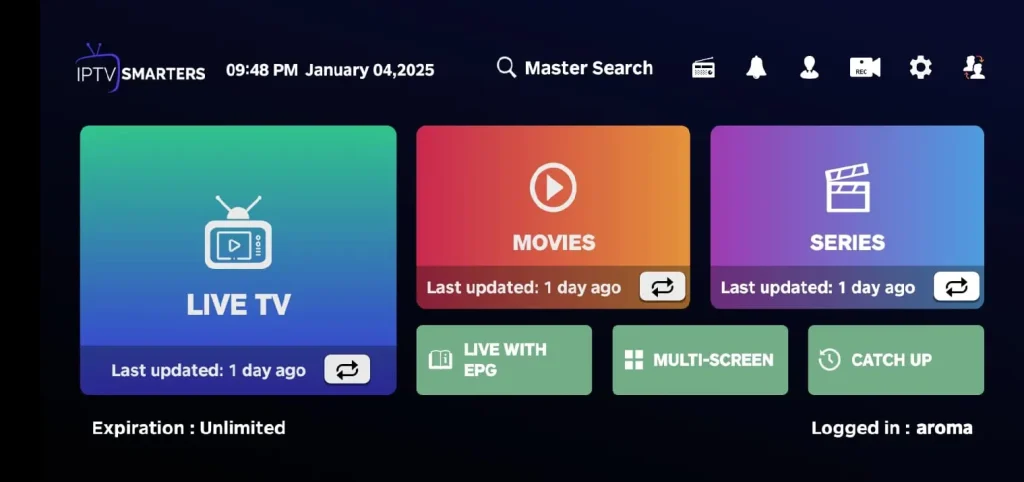
Smarter IPTV Pro

YourWebsiteName compatible app with favourites, groups, and filtering.

Downloader :

000000

8K VOD

YourWebsiteName APK for phones and tablets with multi-format video support.

Downloader :

000000

iOS installation — simple and guided

Two reliable players; both work perfectly with Strong 8K credentials. Choose what feels natural to you.

1. Open the App Store and search for IPTV Smarters Player or GSE Smart IPTV.

2. Install and open the app. Choose Login with Xtreme Codes or Playlist (M3U) + EPG (the exact wording differs by app).

3. Enter the Strong 8K details we send you (portal URL / username / password) or paste the M3U link and optional EPG.

4. Allow notifications if you want programme reminders. You can also enable background audio under the app’s settings.

5. Add favourites for quick access, then enjoy your channels and VOD.
Quick links

Use the official store listings for a clean, safe install.

*AirPlay availability depends on the app and content type.

Smart TV setup — living-room friendly

Two reliable players; both work perfectly with Strong 8K credentials. Choose what feels natural to you.

Install from your TV store

1.Open the TV’s app store (LG Content Store / Samsung Apps / Google Play on Android TV).
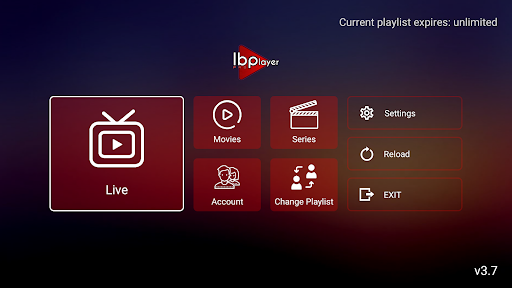
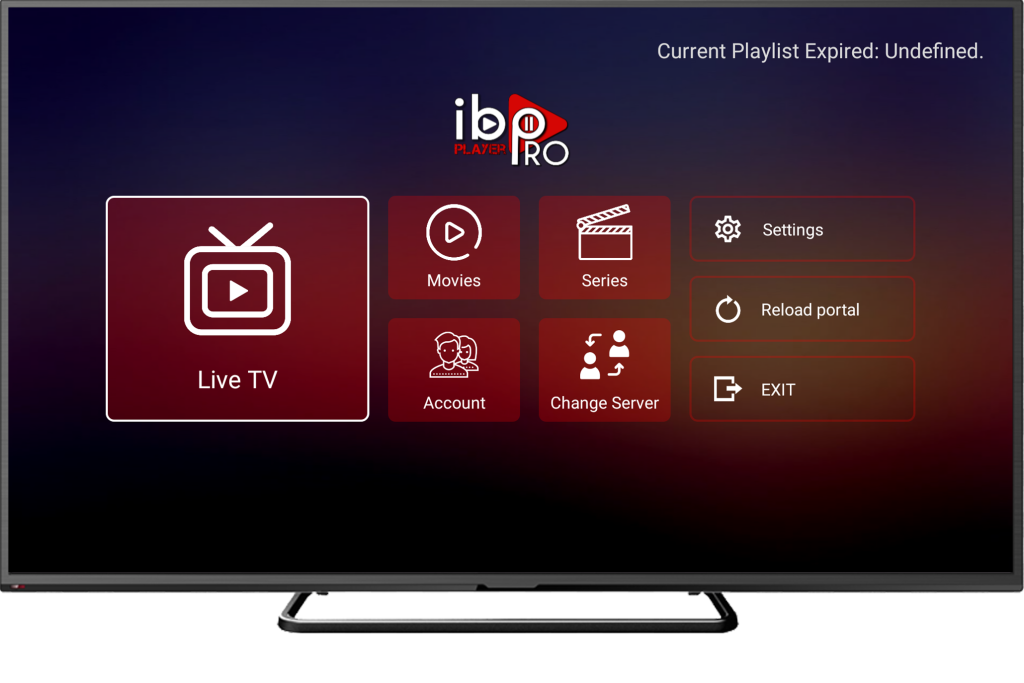
2. Search for IBO Player, OTT Navigator, or XCIPTV.
3. Install and open the app, then go to Activation / Login.
4. Enter the portal or playlist we send after activation (or scan a QR if the app shows one).
5. Restart the app to pull your channels and EPG.

Pro tips for smooth playback

  • Prefer Ethernet or strong 5 GHz Wi-Fi, especially for sports.
  • In player settings, test decoders (HW / HW+ / SW) and tweak buffer size.
  • Turn off aggressive energy-saving that throttles network while streaming.
  • Group channels and mark favourites for faster zapping.